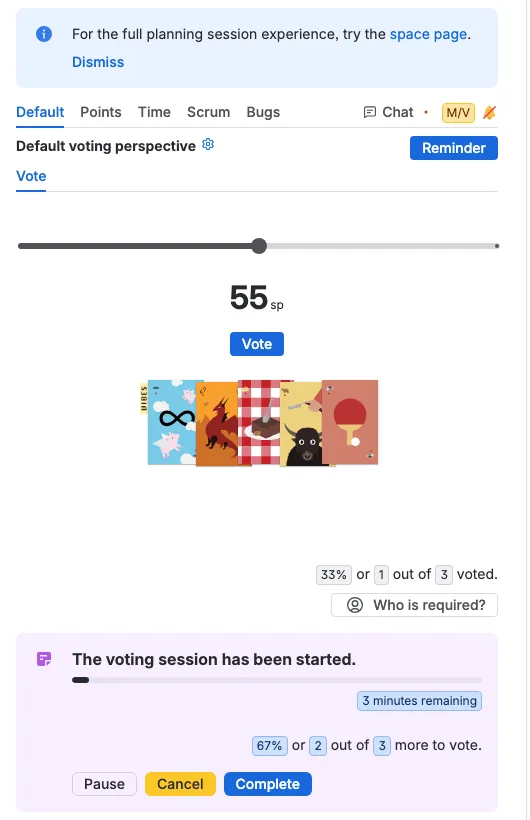
Voting on a free scale
Updated
A free scale keeps the cards out of the way and lets the team pick an estimate with a slider. It takes a minute to set up and one click to vote.
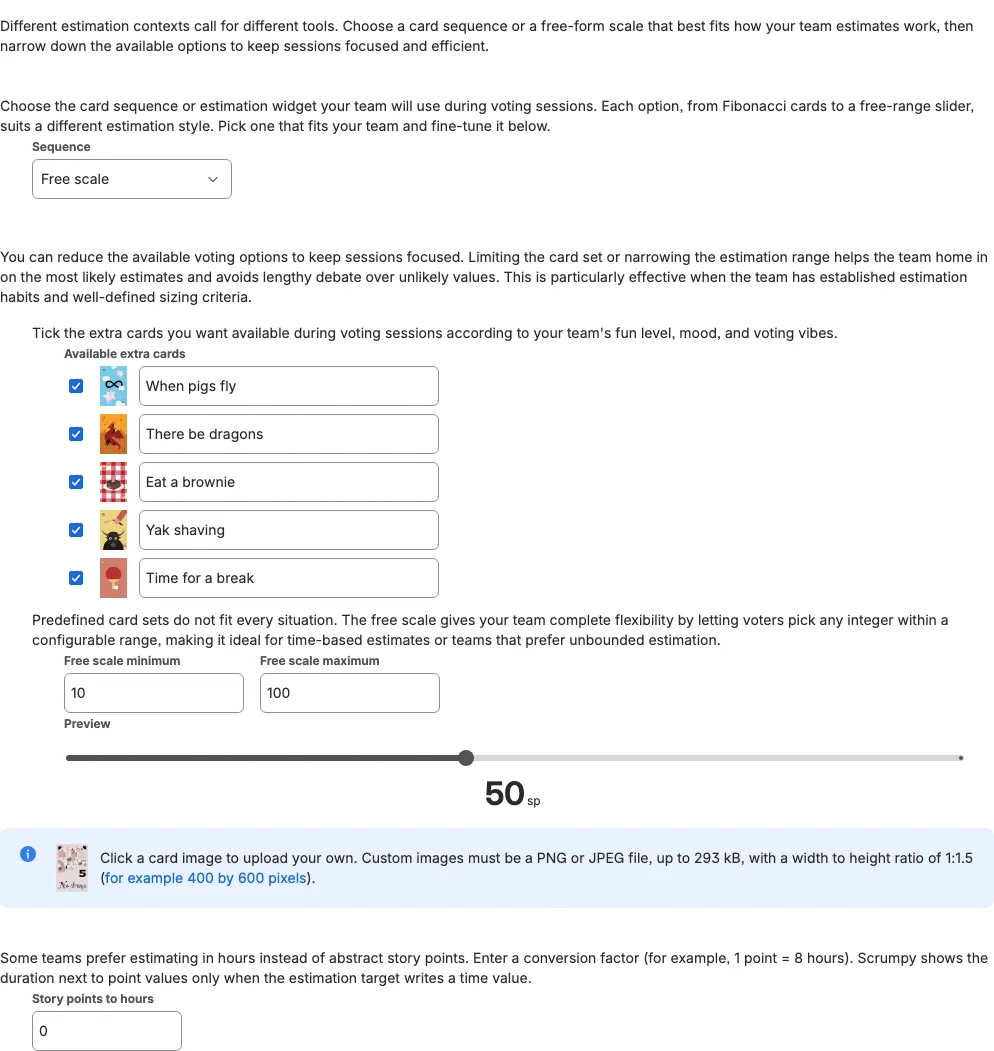
Set up the free scale
In the perspective settings, choose Free scale in the Sequence dropdown. Then set the Free scale minimum and Free scale maximum: every value between them becomes available to voters, so the range fits the kind of work your team estimates. The preview below the fields shows the slider your voters will see.
Vote with the slider
During a session, each voter moves the slider to the estimate that feels right and presses Vote. The number appears above the slider with an sp suffix. Change your mind? Move the slider again and vote again, or press Withdraw to take the vote back.